
Administrators sign in to ResQ on the web, not in the app. The ResQ app is for residents recording their hours; Program Directors, Program Coordinators and GME staff work in their institution's ResQ web portal.
1. Go to your institution's ResQ address
Every institution runs on its own ResQ server, and the address is your Institution ID followed by .resqmedical.com — for example ucdavis.resqmedical.com.
Open that address in any browser. It is worth bookmarking.
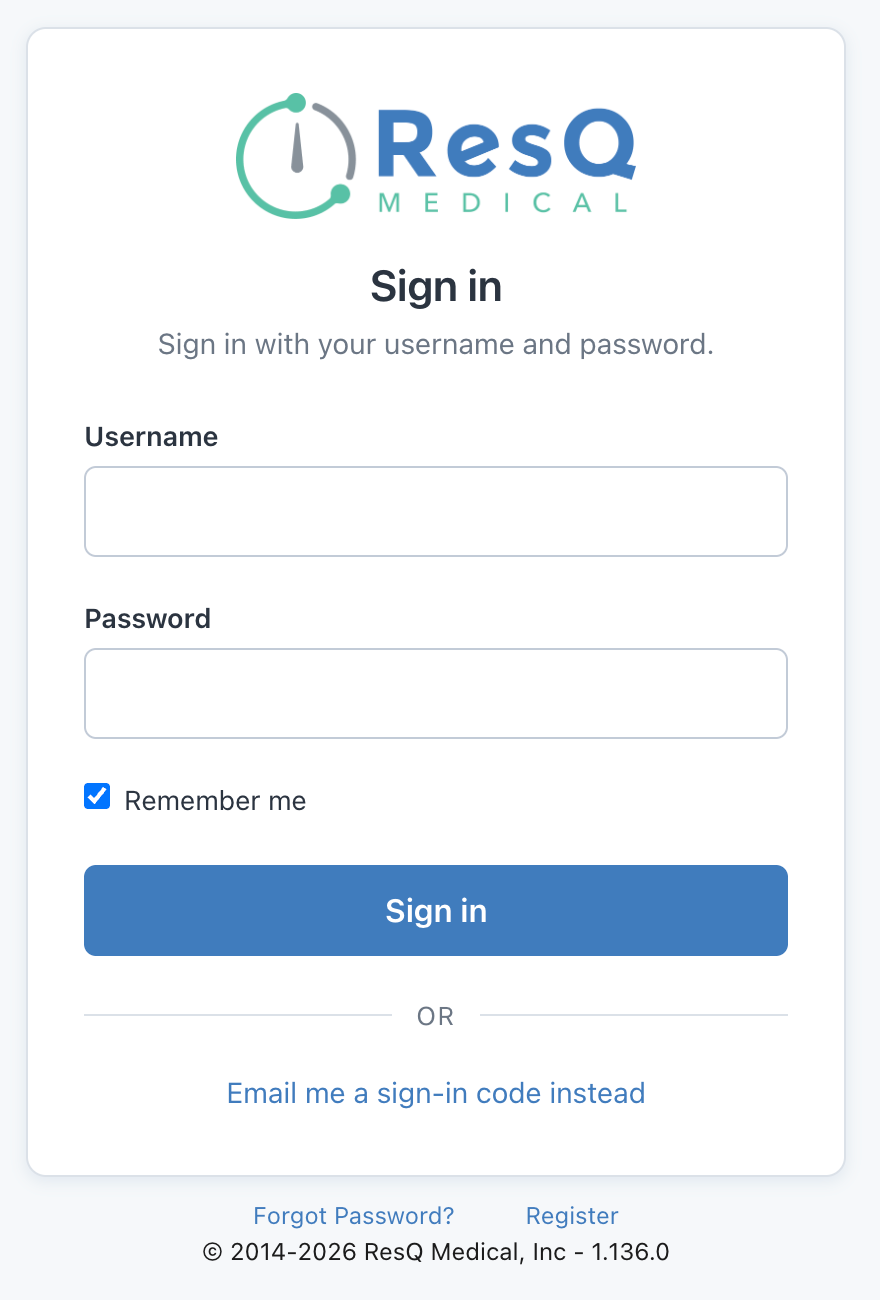
That is the screen you land on. The quickest way in is Email me a sign-in code instead, at the bottom — nothing to remember and nothing to reset.
2. Sign in with a one-time code
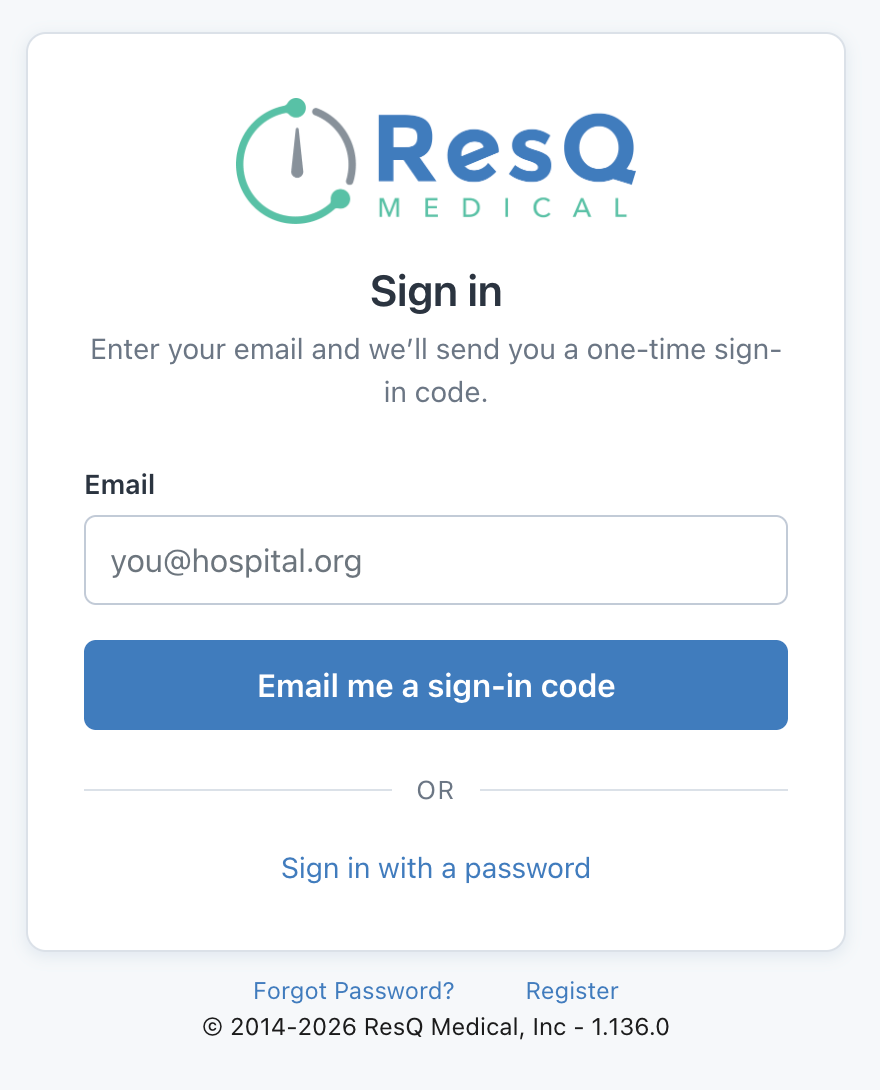
- Select Email me a sign-in code instead.
- Enter the email address on your ResQ account and select Email me a sign-in code.
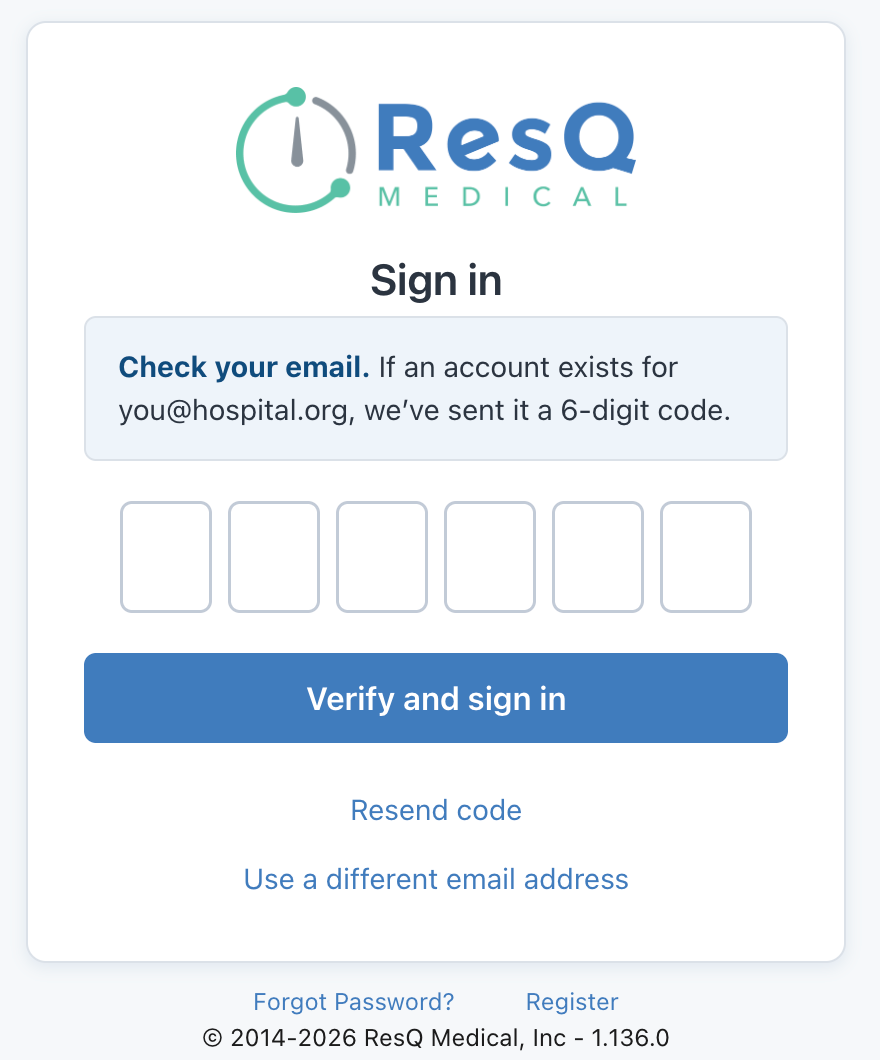
- Open the email from ResQ Medical and find the six-digit code.
- Type the six digits into the boxes and select Verify and sign in.
A few things worth knowing:
- Codes are single use. If you asked for more than one, only the newest email works.
- For your privacy, ResQ shows the same message whether or not an account exists for that address — so no code usually means the address doesn't match the one on your account.
- Check your spam or junk folder before asking for another code.
- Use a different email address takes you back a step if you mistyped it.
3. Don't know your Institution ID?
Look it up at resqmedical.com/institutionid. Start typing your institution's name and the page shows both the web address and the Institution ID.
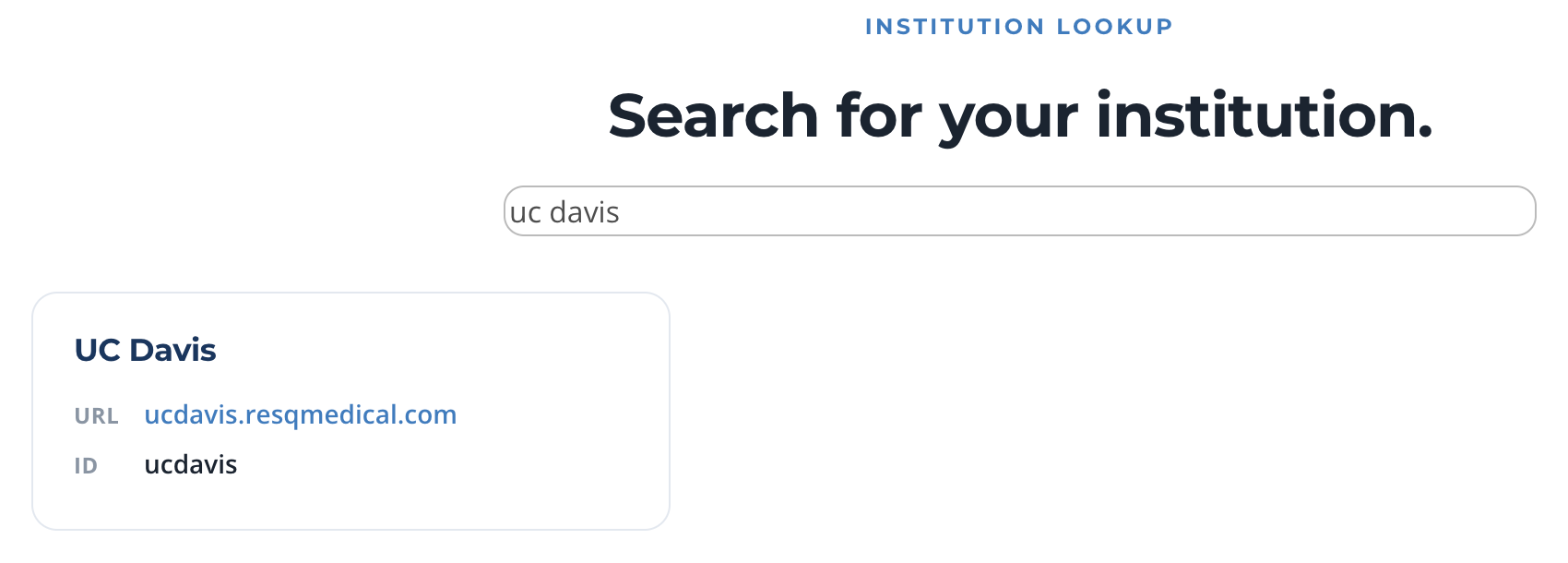
If your institution is not listed, it may not be set up with ResQ yet. Email support@resqmedical.com and we will point you in the right direction.
Already have a password?
You can still sign in with your username and password on that first screen. ResQ is moving everyone to one-time codes, so if you don't have a password there is nothing to set up — use the code instead.
Still can't get in?
Email support@resqmedical.com with your institution and the email address you are trying, and we will check the account.